
Freelance Looker Studio Expert
As a Looker Studio consultant, I help organizations like yours.


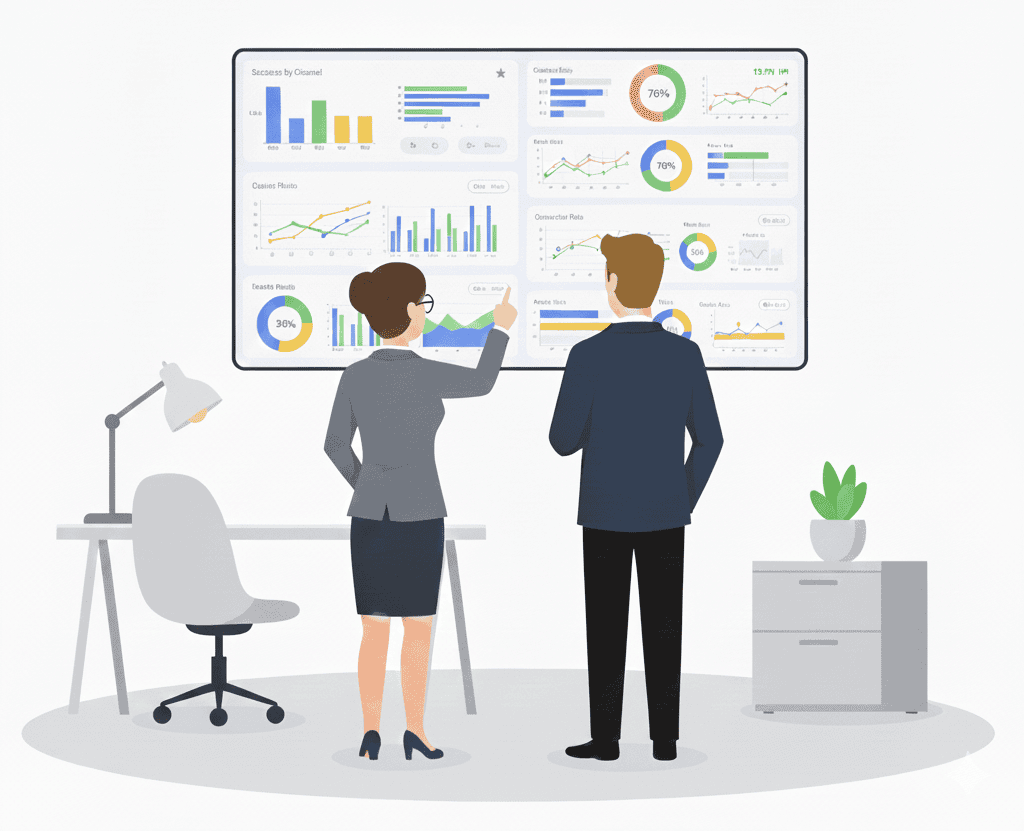
I specialize in Google Analytics 4, Google Tag Manager, and Looker Studio—working across the full measurement flow from tracking to interpretation.
This means your reporting isn’t built in isolation.
It reflects how your data is actually collected, processed, and structured.
Over time, I’ve built hundreds of custom dashboards and reporting systems designed to:
I’ve worked with Looker Studio since its early release, helping organizations of different sizes turn fragmented data into something usable.
Looker Studio is not only a great place to visualize your Google Analytics data, we’re also able to do the following:
As your Looker Studio consultant, I’ll m Looker Studio your central hub for all your organization’s reporting needs.
As your Looker Studio expert, I’ll apply an array of charts, graphs, pivot tables and visualizations to bring your data to life. These include time series, bar charts, pie charts, tables, heat maps, geo maps, scorecards, scatter charts, bullet charts, and area charts.
I’ll take advantage of Looker Studio’s advanced features to transform and blend your data so it can be presented within the proper context.
I’ll also incorporate various interactive controls to allow report users to dynamically change the data presented, including date ranges and dimension filters like geography, segment, or channel.
You decide who gets access to Looker Studio. Leveraging Google Drive technology, you can easily manage all of your users and their level of access – grant individuals or groups the right to create, edit, or view.
Share your dashboard reports in a variety of ways:
We’ll start with a quick call to understand your current reporting and what you’re trying to achieve.
From there, I’ll outline a clear approach—whether that’s improving an existing dashboard or building something new.